


Turn Any Room
Into a World
Map animated worlds onto your walls, ceiling, and furniture — save your favorites, then switch scenes anytime the room needs a new mood.
Pre-order — ships by December 12
From plain room to mapped world
Most projectors turn a wall into a screen. The Lumenex Vibe Projector turns the room into the experience — pair it, map your space with the mapping tool, then save the worlds you like and bring them back anytime.
- 01
1. Set up and pair
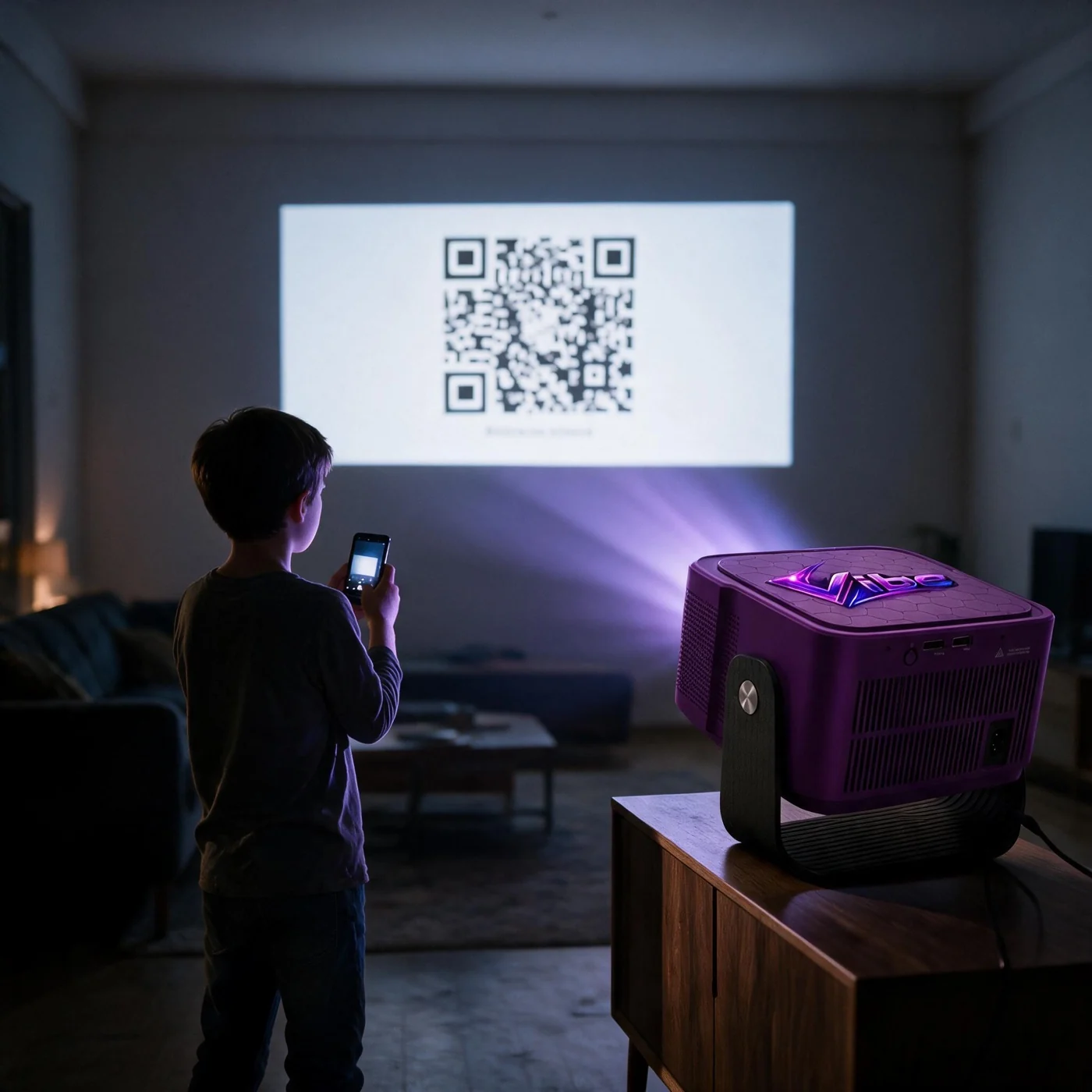
Plug in the Lumenex Vibe Projector, connect it to Wi-Fi, then scan the QR code to pair it with your Lumenex account. Simple enough for kids to do themselves.
- 02
2. Map your room
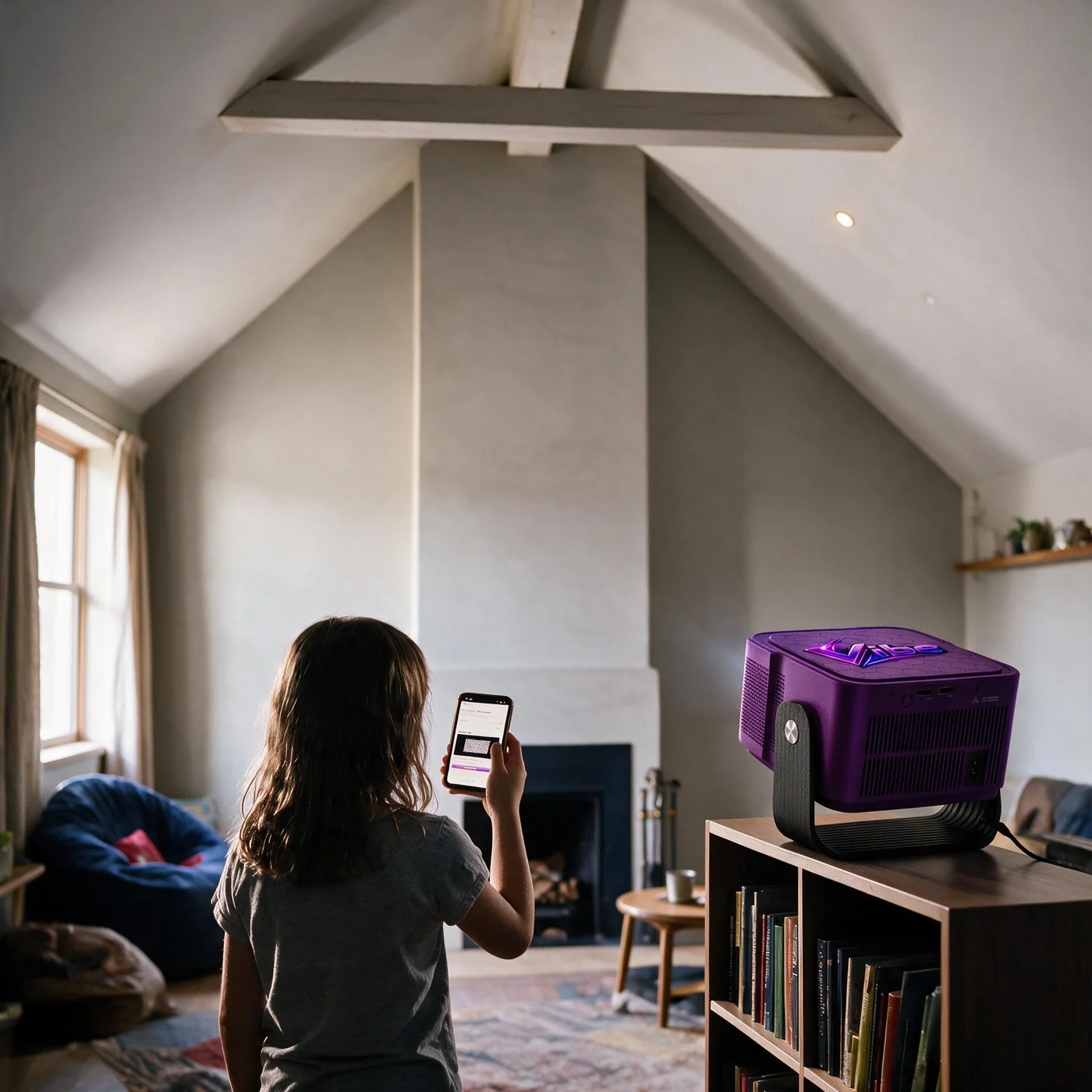
Drag the mapping dots in the mapping tool to match your walls, ceiling, doorways and furniture. Then play any of the ready-made designs on the areas you've mapped, free, or have LumenLab generate one of your own with Lumen Coins.
- 03
3. Save, rotate, replay
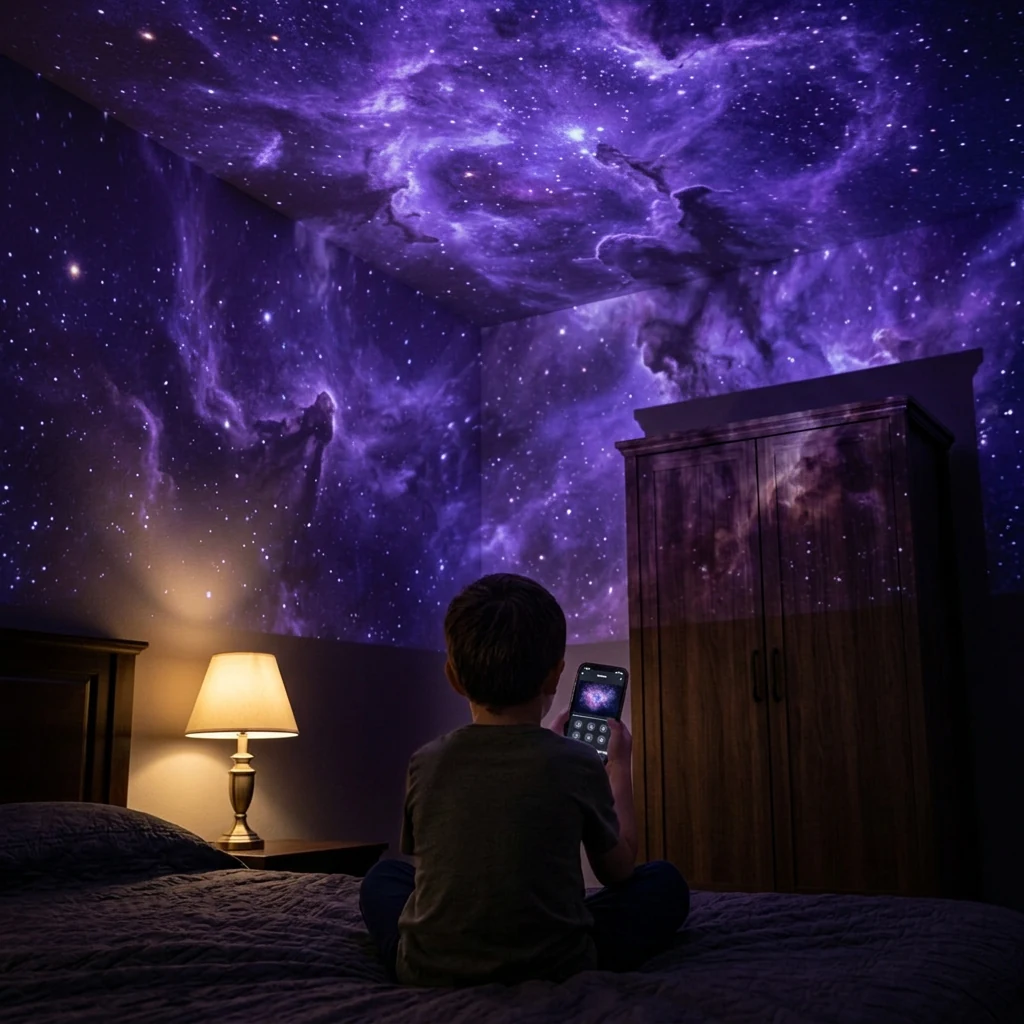
Save favorites to My Library and rotate the active graphic, so the room can be a galaxy tonight, a reef tomorrow and a cinema this weekend.
Buy Lumenex Vibe — $199Pre-order — ships by December 12
A compact indoor projector built for real rooms
Full HD projection, guided surface mapping, and the Lumenex app to run it all.
Room mapping
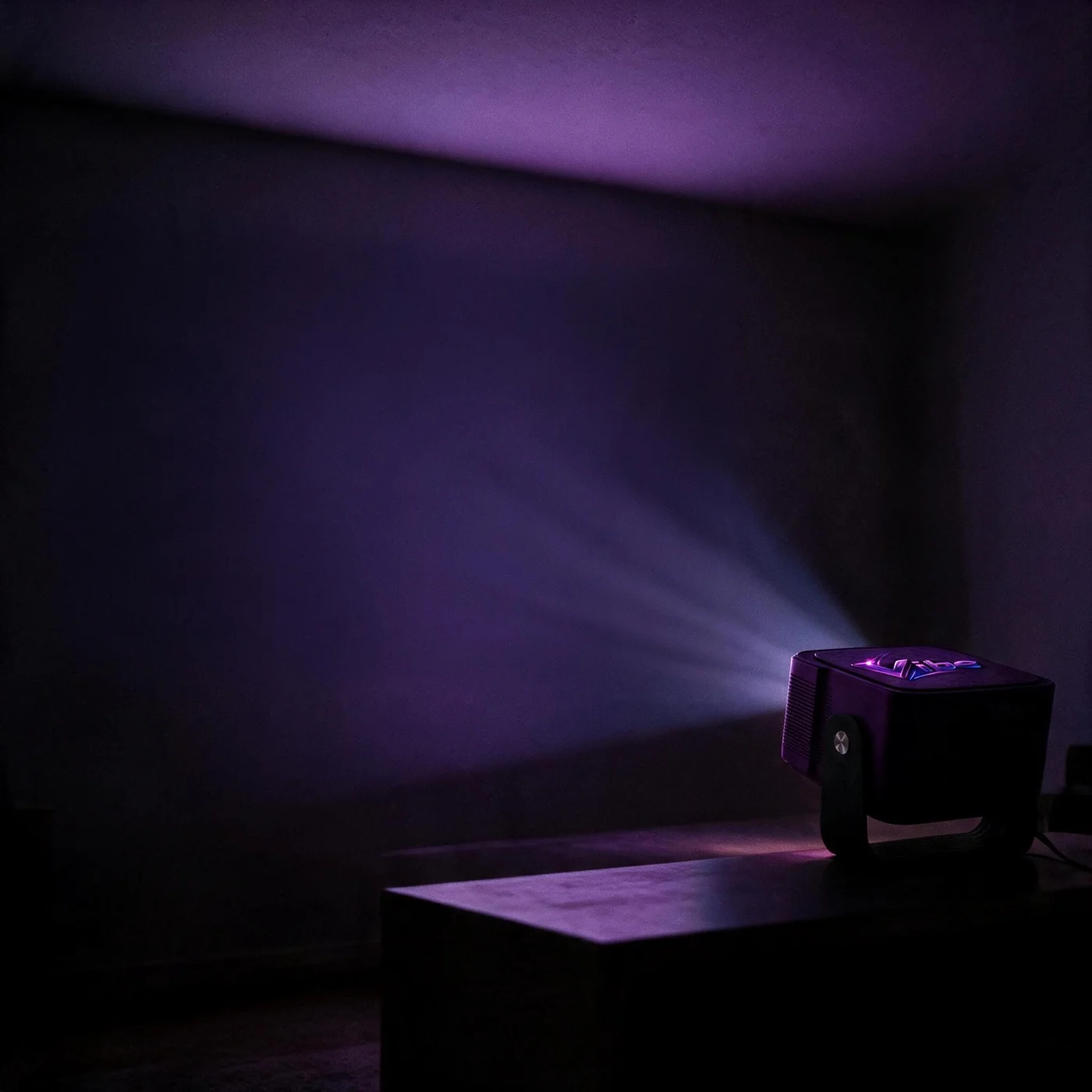
Drag the mapping dots onto walls, ceilings, doorways and furniture with the mapping tool. The ready-made designs play straight onto those surfaces, or LumenLab generates one of your own, fitted to the real geometry of that room.
Real surfacesNot a rectangle on the wall. Any wall, ceiling or feature surface becomes a moving, animated canvas — each one rendered on its own and perspective-corrected to fit its shape.
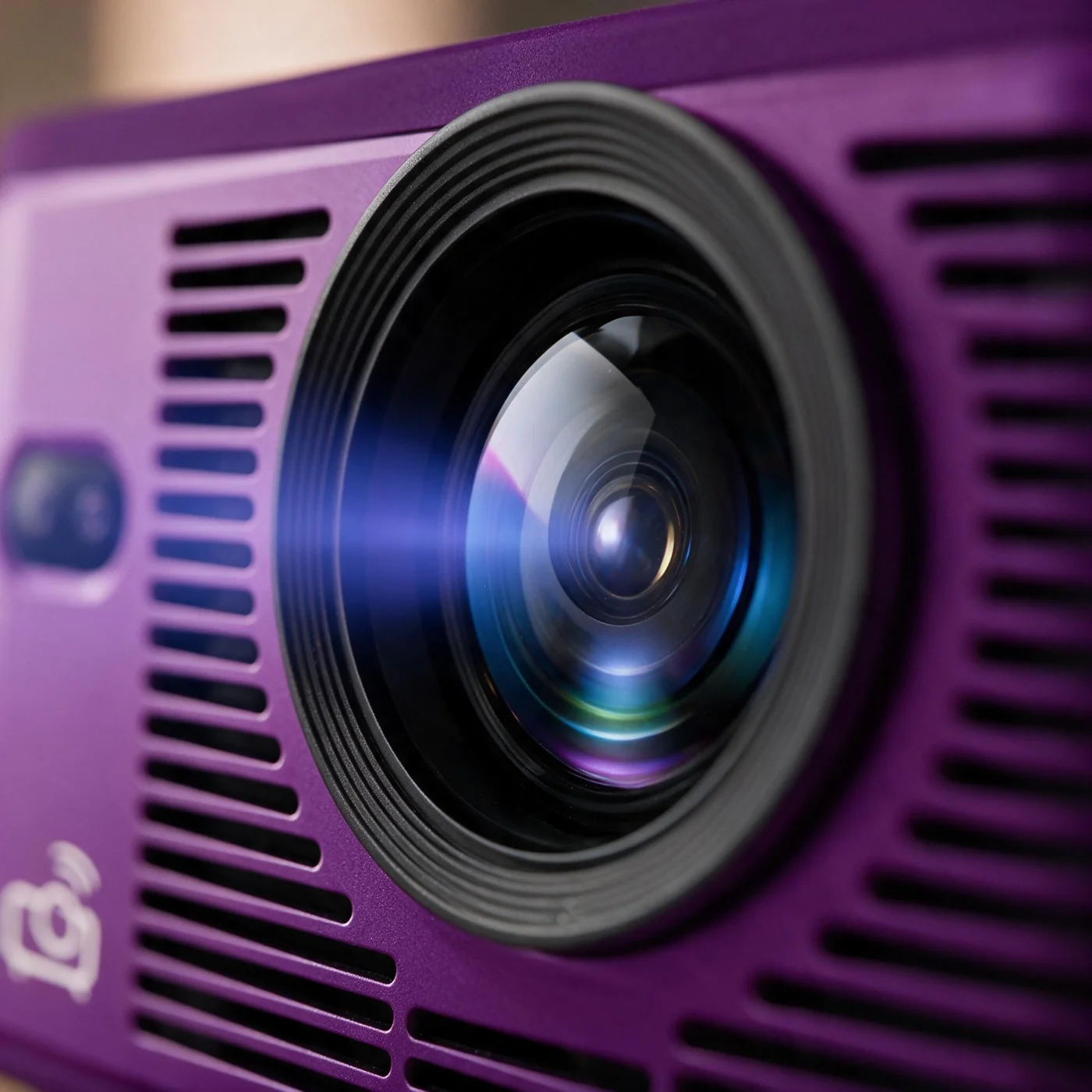
Full HD projection
Native 1920 × 1080 from a white LED light source. Stand it 6–15 ft from your wall and it focuses itself — you only reach for the focus buttons if the image needs fine adjustment.
Wherever it sitsProject from the front, from behind the surface, or from the ceiling, and tilt it on the bracket it ships with. Picture mode, contrast, hue, saturation and sharpness are all there when you want them.

Run it from the Lumenex app
The Lumenex app on your phone maps each surface, plays your designs and changes what the room is showing, without walking over to the projector.
Room to growConnect compatible Lumenex Vibe Projectors for expanded setups, where supported.
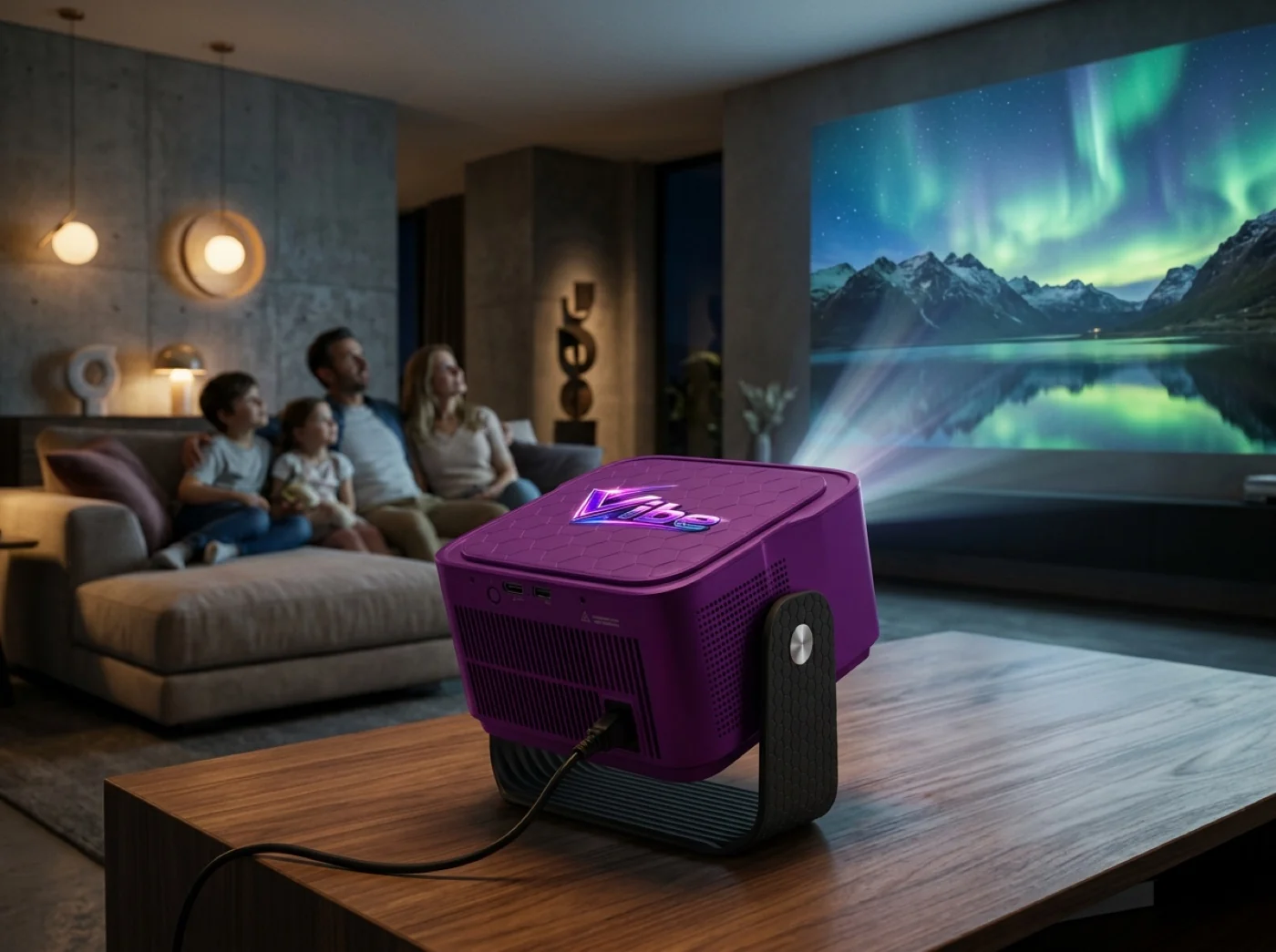
Turn your space into a cinema
Open supported entertainment apps where available. App availability and subscriptions may vary. The HDMI and USB-A ports on the rear take your own devices.
Cinema, then backSwitch from a mapped world to an entertainment app, then tap Return to Lumenex to bring the mapped room back.
A library of worlds, not one look
About 100 ready-made worlds play free on the surfaces you've mapped. Want one of your own? LumenLab generates it for your room with Lumen Coins. Save your favorites to My Library.

Star Room
Quiet constellations drifting across the ceiling.

Undersea
A whole-room ocean, floor to ceiling.
Ocean Glow
Deep-water light moving across walls.

Birthday
Confetti and banners mapped to the wall.

Jungle
Leaves, vines and shifting canopy light.

Safari
Grassland scenes for explorer rooms.

Moon Landing
Lunar surfaces and slow orbital drift.

Galaxy Worlds
Stars and nebulae mapped across the ceiling.

Reef Rooms
Coral, light rays and drifting fish.

Confetti Rooms
Party motion without the cleanup.

Holiday Glow
Seasonal theming you switch on and off.

Winter Wonder
Snowfall and frost across real surfaces.
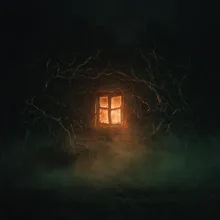
Spooky Rooms
Halloween scenes for walls and doorways.
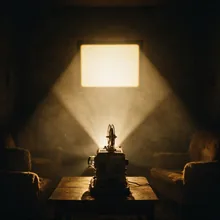
Cinema Glow
Warm theatre ambience around the screen.
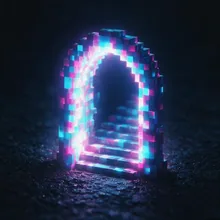
Pixel Portals
Animated scenes behind the gaming setup.
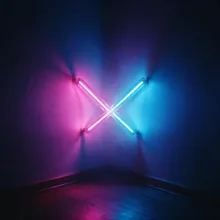
Neon Realms
Neon geometry mapped to walls and corners.

Dream Glow
Soft, slow light for winding the room down.
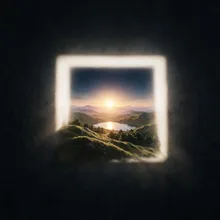
Small Space Worlds
Built for dorm and studio-apartment walls.

Aurora Nights
Slow polar light drifting across the ceiling.

Rainforest Canopy
Layered leaves and shafts of falling light.

Desert Dunes
Warm sand light and long evening shadows.

Volcano Room
Ember glow and slow-moving heat haze.

Arctic Ice
Blue ice walls and slowly drifting floes.

Storm Watch
Rolling cloud with distant lightning.
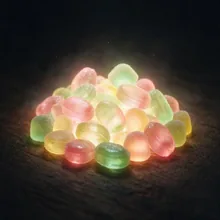
Candy Land
Sweet pastel scenes for younger rooms.

Dino World
Prehistoric scenes across walls and doorways.
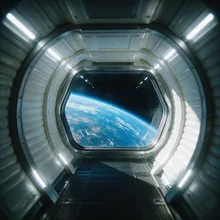
Space Station
Orbital corridors and slow starfield drift.

Cherry Blossom
Falling petals on a soft spring wall.
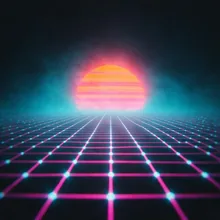
Retro Arcade
Eighties grids and neon cabinet light.

Fireflies
Warm points of light drifting at dusk.
… and many more in the Graphic Shop.
About 100 ready-made designs come with the projector and stay free, and the library keeps growing.
Buy Lumenex Vibe — $199Pre-order — ships by December 12
It fits the room
you already have
Six to fifteen feet from the surface, front, rear or overhead.
The projector works out the rest.
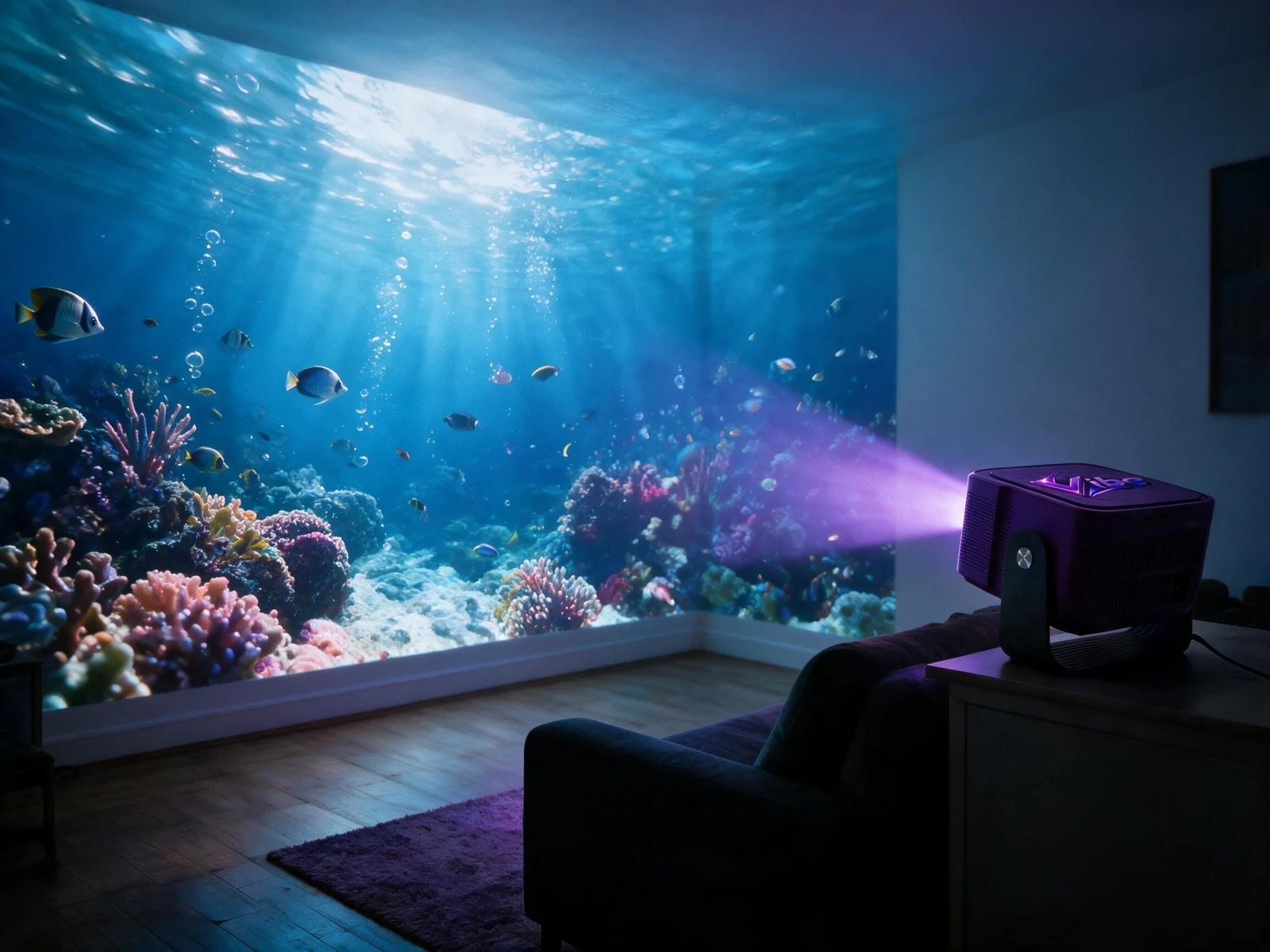
Closer for a 40-inch image, further back for 150. Anywhere in that range it focuses itself — no test pattern, no measuring tape.
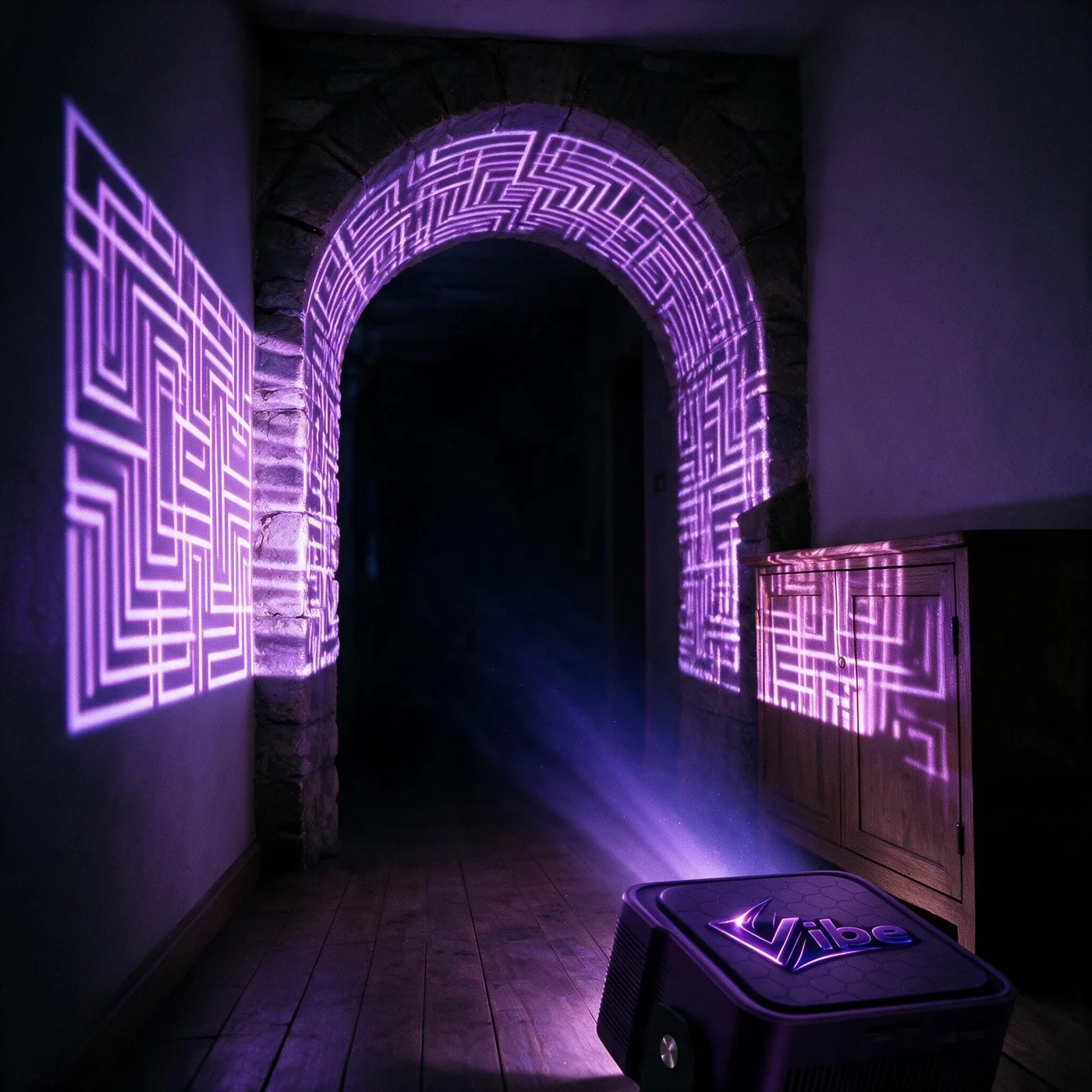
A doorway, an arch, the front of a cupboard, a sloped ceiling. Every surface you map is rendered on its own and corrected to its shape, so the picture follows the room instead of flattening it.
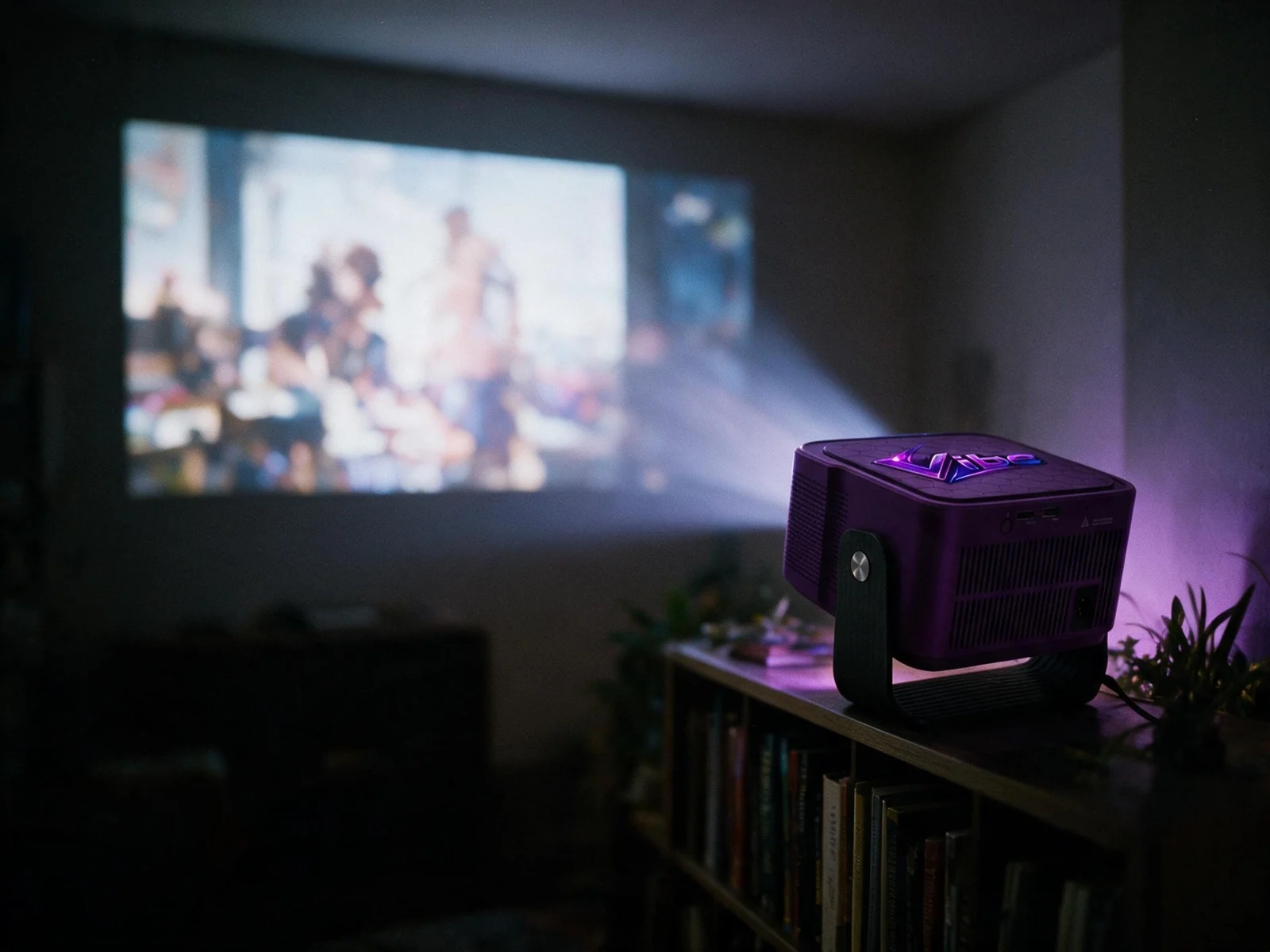
On a shelf, on a sideboard, or mounted overhead — projection mode covers front, rear and ceiling, and the tilt bracket ships attached. It needs a socket and four inches of air around the vents.
Every number, in the open
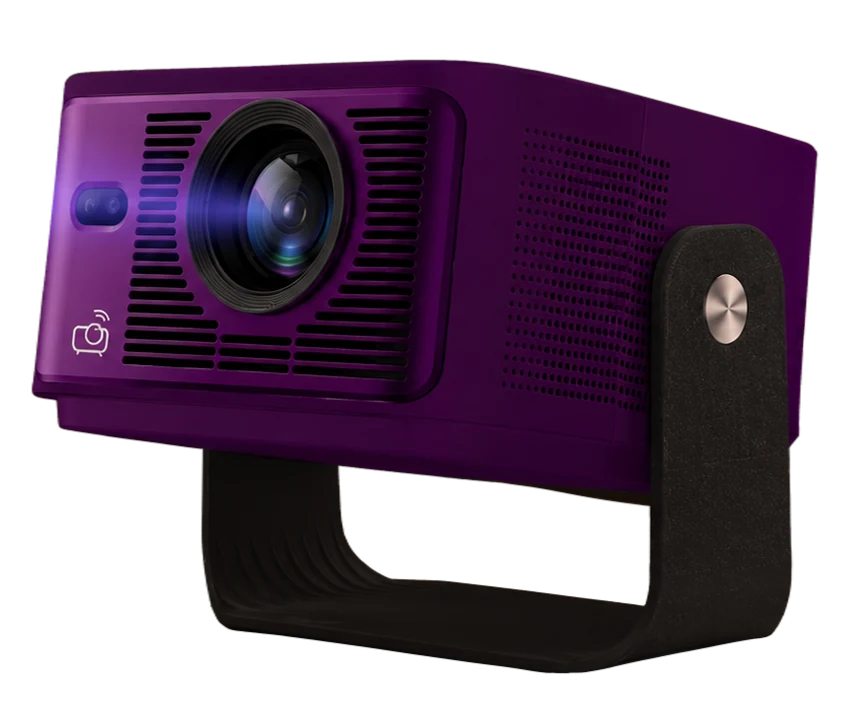
- Native resolution
- 1920 × 1080 (Full HD)
- Light source
- White LED
- Brightness
- 600 ANSI lumens
- Contrast
- 2000:1
- Throw ratio
- 1.0:1 — a 40–150 in image
- Focus
- Autofocus, with manual fine adjustment
Pre-order — ships by December 12
One projector. One price.
A one-time purchase for the projector, with about 100 ready-made designs that stay free.
$199
One-time payment · Lumenex Vibe Projector
Pre-order — ships by December 12
In the box:
 Lumenex Vibe Projector
- Detachable AC power cable
- Adjustable tilt bracket, pre-attached
- Bluetooth remote
- Quick-start booklet
- Warranty info card
- Thank-you card
Included
The tools and access that come with every projector
Every Lumenex Vibe Projector includes:
- The mapping tool, for defining every surface in the room
- About 100 ready-made designs that stay free, ready to map and play
- 5 Lumen Coins to start generating designs of your own
- My Library, to save, activate and rotate your graphics
- The Lumenex app, to map your room and switch what it plays
- Supported entertainment apps on the projector, where available. App availability and subscriptions may vary.
- Return to Lumenex, one tap back from an app to your mapped room
- Guided setup and mapping walkthrough
- A free Lumenex account, support and documentation
Bought separately:
Only designs of your own cost anything. LumenLab generates them for your room, paid for with Lumen Coins — bought on their own, or included each month with a plan at $2.99, $7.99 or $19.99 a month.
Frequently asked questions
Yes — the Lumenex Vibe Projector pairs with your Lumenex account over Wi-Fi, and needs internet to receive designs from the Lumenex app. Connect it to a 2.4 GHz or 5 GHz network during setup.
The Lumenex app on your phone. It maps your surfaces, plays your designs and switches what the room is showing, and the Bluetooth remote in the box handles the projector itself.
Yes. Connect compatible Lumenex Vibe Projectors for expanded setups, where supported.
Six to fifteen feet. The throw ratio is 1.0:1, so that range gives you an image between 40 and 150 inches — the further back it sits, the larger the picture.
Thirty to forty-five seconds from power on. The rear LED turns solid white, the Lumenex logo appears, and then the home screen.
No. The projector autofocuses, and there are Focus + and − buttons if the image needs fine adjustment. If it looks soft after you've moved it, give it a moment to settle, then check the lens is clean.
Yes — projection mode can be set to front, rear or ceiling, and the included bracket tilts ±15°. Use a UL-listed mount rated for at least 4 lb (1.8 kg), and leave 4 in (10 cm) clear around every vent.
Re-open the mapping tool and drag the corner points to match the room again. Live Mapping shows the change as you make it, so you can see the graphic land back on the surface in real time.
Yes. Open supported entertainment apps where available. App availability and subscriptions may vary. You can also connect a device to the HDMI or USB-A port on the rear and pick that input from the home screen. Returning to Home resumes whatever Lumenex was playing.
No. About 100 ready-made designs come with the projector and stay free — they play straight on the surfaces you've mapped. Lumen Coins are only for generating designs of your own in LumenLab. You get 5 with the projector; after that you can buy them on their own, or get them each month with a plan at $2.99, $7.99 or $19.99 a month. We'll always show the cost before you spend anything.
It's built for family spaces and indoor residential use, and setup is simple enough for kids to do themselves. Purchases stay behind your Lumenex account password, so nothing can be bought without you.